

For years, whatever MDM solution we’re using, we’ve been using Jamf‘s PPPC Utility to give PPPC permissions from a single place. PPPC Utility is a product you can use whether or not you use Jamf as your MDM. Specific to Jamf, you can upload directly into your Jamf Instance from within the application. But if you use another MDM solution, you can also use the PPPC profile you prepared by exporting it. Do we have any complaint about PPPC Utility? Actually no.
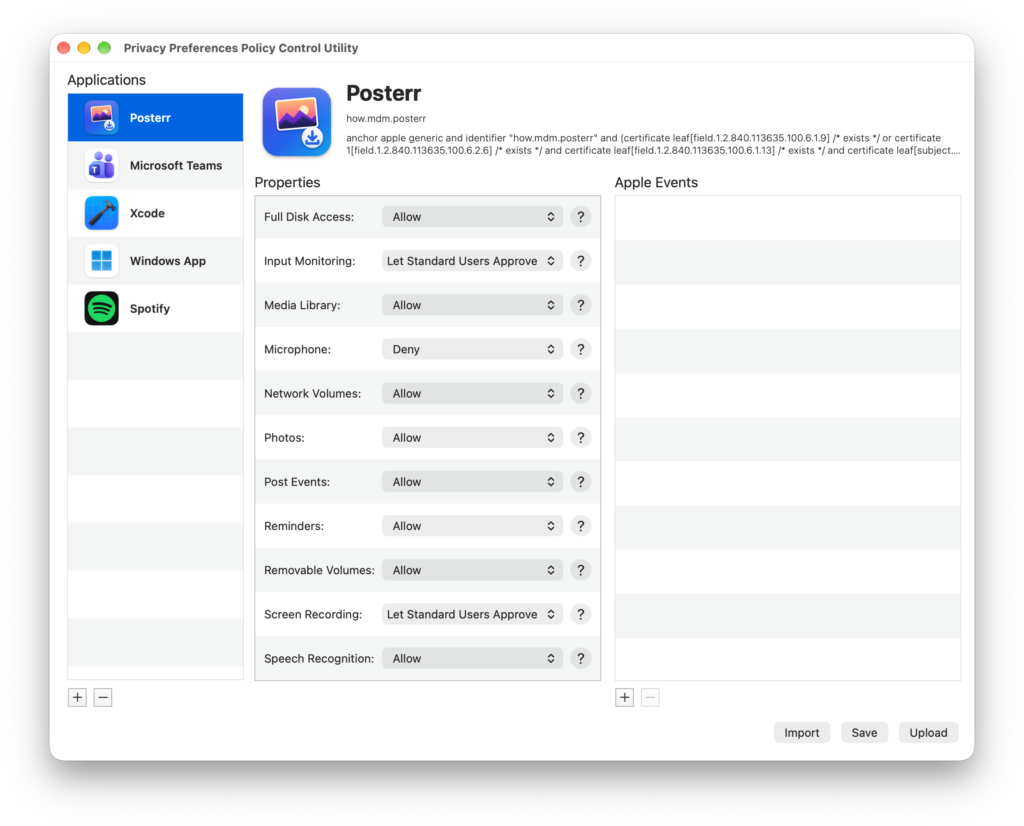
You might say, “the MDM product I use already has a payload where I can configure PPPC.” True, and it’s not just in yours — every MDM has it. The reason that requires us to use a tool like PPPC Utility is that configuring these profiles from within the MDMs is mostly a bit troublesome. For every application you’ll give permission to, we need the Bundle ID information and the Code Requirement information. We can actually get these by using the codesign -dv and codesign -dr - commands via Terminal. But as I said, getting these one by one for every application you’ll give permission to is a somewhat troublesome job. For exactly this reason, we can use additional products that make our lives easier, like PPPC Utility.

So what’s the problem? As I said above, there’s actually no problem. We’re quite happy with PPPC Utility. But we’re happy — that is, admins who use Macs. Because it’s a Mac application and we can quite simply download it from GitHub and start using it.
But the problem is that some users can be forced to manage Macs using Windows. Apple tries to sell Macs mainly to organizations that don’t use Macs. In these kinds of organizations, the task of doing a PoC study related to Macs is assigned to the endpoint management unit. And just as Macs aren’t used across the organization, the people working in this unit generally don’t have a Mac in front of them either. And these poor friends who use Windows go on a Bundle ID hunt on the internet to give PPPC permissions to applications.
What’s the Solution?
The solution is to make use of web-based applications to create PPPC and even, in general, to create many .mobileconfig documents. MacPPPC, prepared by Roy Klooster and Simon Hartmann Eriksen, carries out exactly this task. That is, it enables you to do the PPPC settings for any application via a web browser. By going to the address https://macpppc.com from any modern web browser — even from an iPhone if you want — you can create a PPPC profile for any application you want.
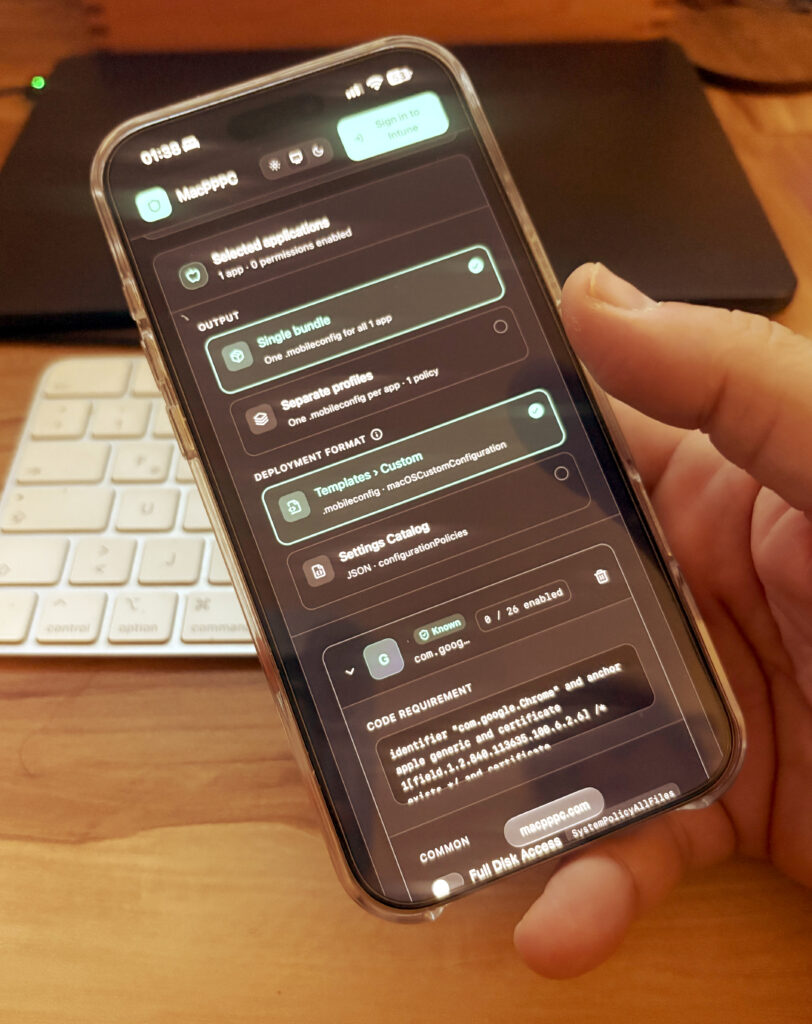
The only trouble MacPPPC solves isn’t actually that it’s accessible over the web. With the most current 2.0 version of Jamf‘s PPPC Utility, in order to give an application its permissions, that application needs to be installed on your Admin Mac. Afterwards, by drag-and-dropping, you can bring the application into PPPC Utility and can start giving permissions. MacPPPC has an application repertoire containing many popular applications. That is, even if the application you’ll give permission to isn’t installed on your computer, you can proceed by selecting it from the list.
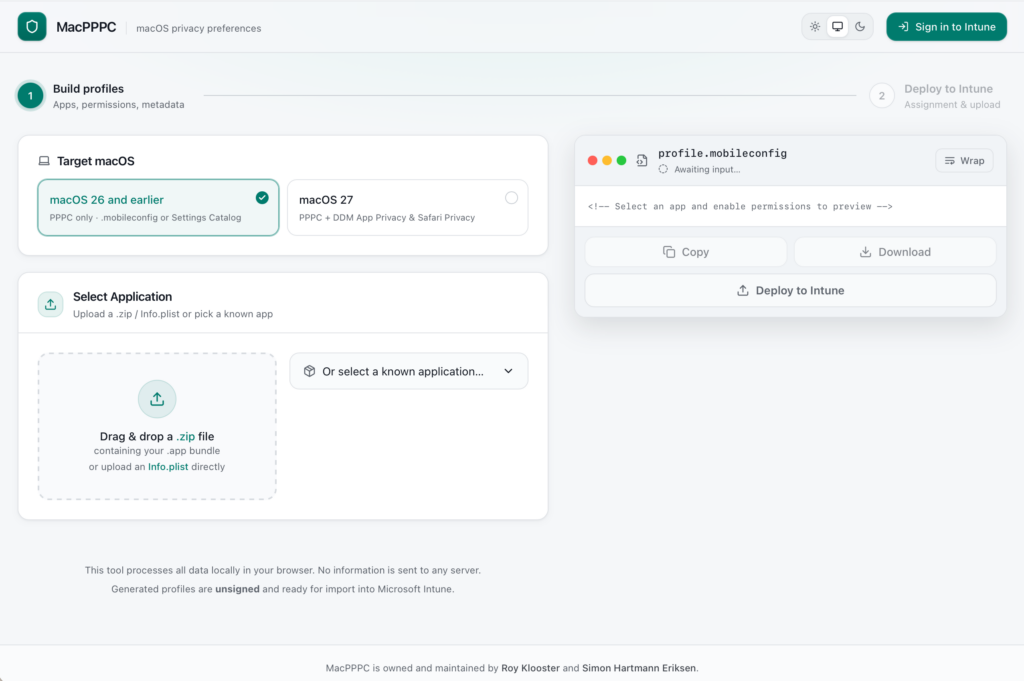
Similar to how PPPC Utility provides a convenience in use together with Jamf, MacPPPC can also work integrated with Microsoft Intune. By using the Sign In to Intune command within the application, you can upload directly from MacPPPC to your Intune Tenant. Instead of this, if you want, you can also use it with any MDM by downloading the profile.
MacPPPC‘s Intune integration isn’t only about direct upload. It’s possible for you to produce not just mobileconfig files but also JSON files at the same time. You can import the JSON file you create in Intune not from the Configuration / Create / Templates / Custom address, but with the Configuration / Create / Import Policy command. This method gives you the chance to later make changes to this profile directly from within Intune. And this provides a much more sensible workflow than uploading a mobileconfig file over and over for new applications to be added after the first deployment. Whatever format you get your PPPC profile in, if you want you can create a single bundle with all the application permissions, or you can export all the applications’ PPPC profiles separately from each other. Personally, since I don’t want to see stacks of configuration profiles within the MDM solution, I prefer to put them all together.
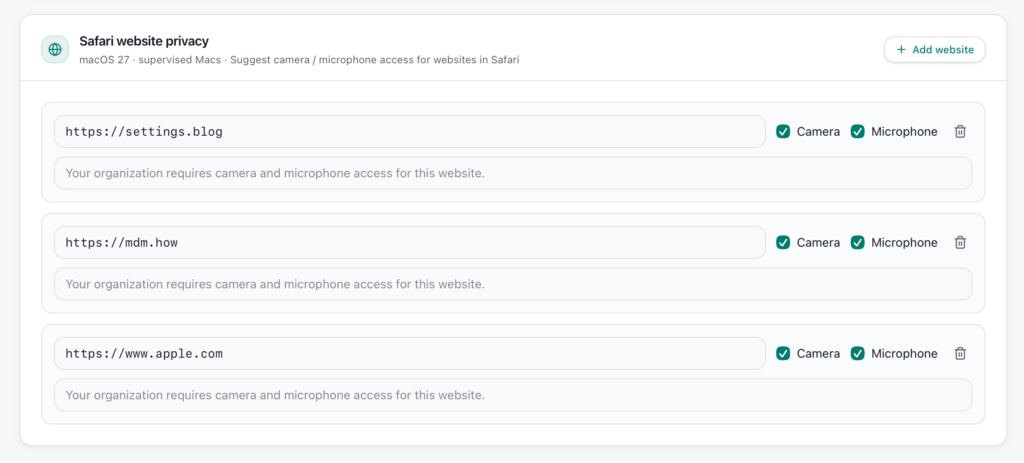
With MacPPPC, for macOS 26 and earlier you can only produce a mobileconfig. But if you set the compatibility mode to macOS 27, it’s possible for you to create a profile that provides not only the application permissions but also the camera and microphone accesses of the websites you’ll access from within Safari.
Leave a Reply