
As part of WWDC26, Apple released the beta version of its desktop operating system macOS 27 Golden Gate. If you want to test the beta version, you can do this not with the computer you actually work on but by virtualizing it on UTM.
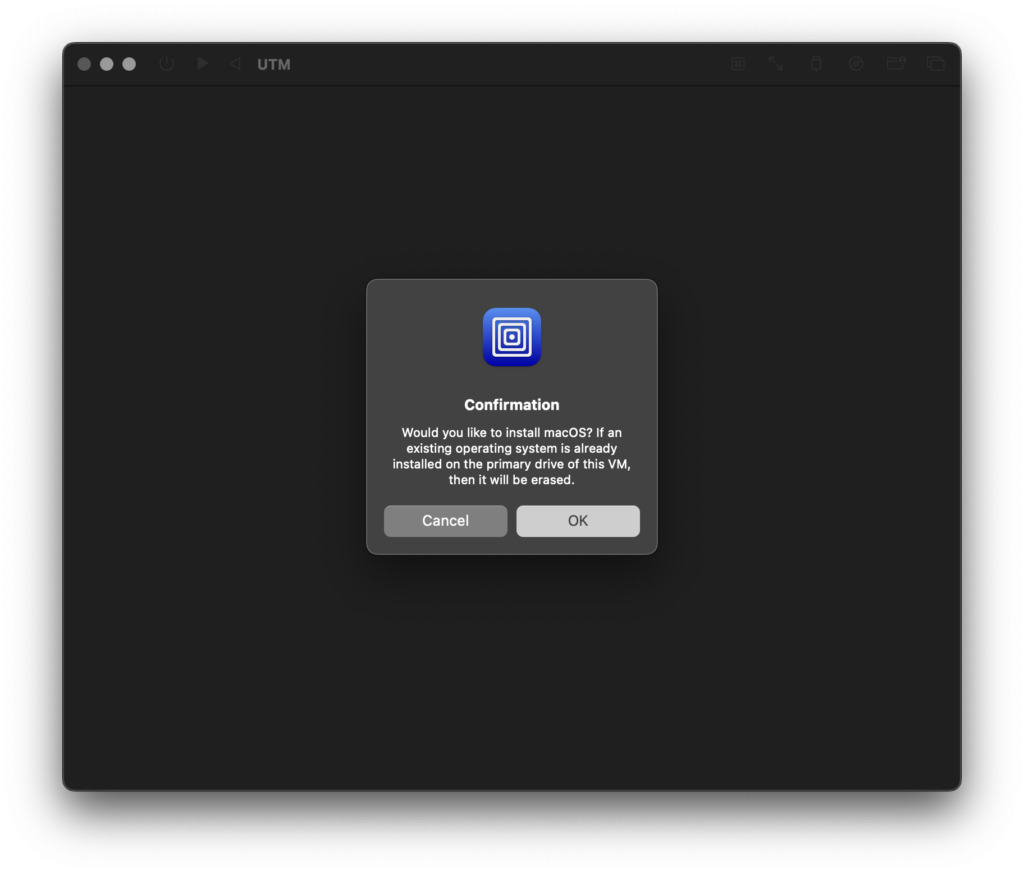
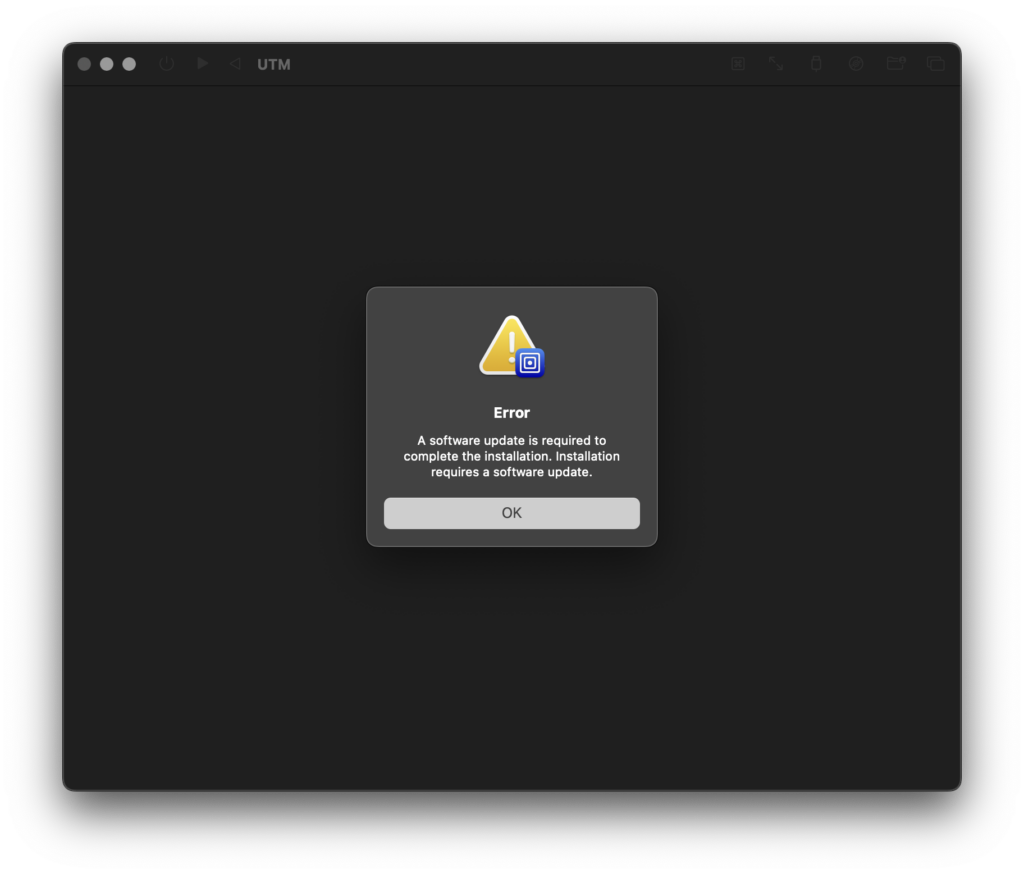
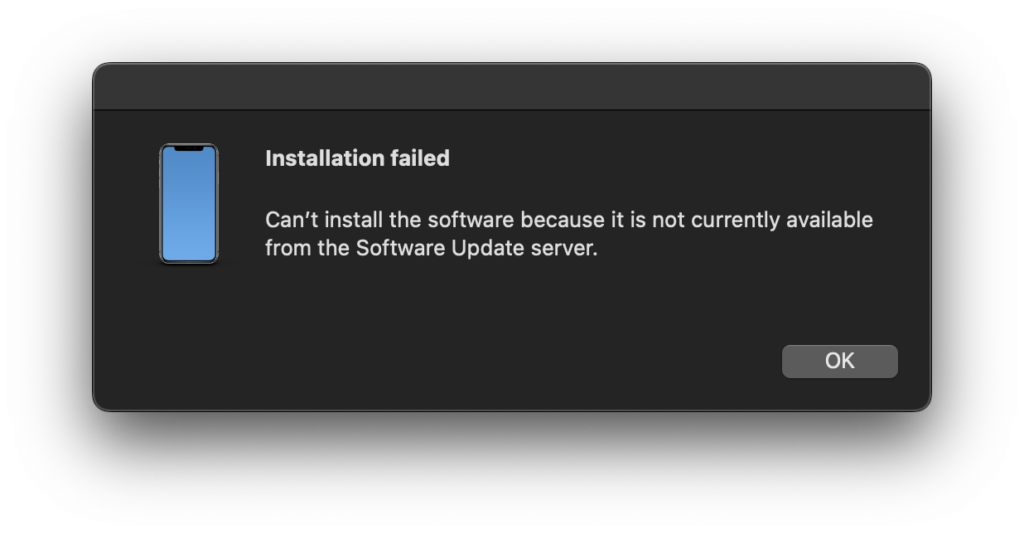
But there’s a small problem here. The installation method you use when virtualizing any macOS version with UTM will not work on macOS 27 Beta. You’ll get the following warnings in order.
What’s the Solution?
As with the beta versions of previous macOS versions, if the necessary virtual machine isn’t on your computer, UTM can’t run the beta operating system either. UTM can run Linux, Windows, and other operating systems by means of an emulator. But for macOS it benefits from Apple’s Virtualization Framework. For this reason, for an operating system that’s in beta, it needs the beta version of the Virtualization Framework that will support the next operating systems.
And you can obtain this by downloading the beta version of Xcode 27 and installing it on your computer. So in summary, instead of loading the ipsw file of the macOS 27 Golden Gate beta version you downloaded directly into UTM, you first need to install the beta version of Xcode on your computer and then install macOS 27 via UTM.
Links
If UTM isn’t installed on your computer, you can download it from here. (245 MB).
You can download the Xcode 27 beta version from here (1.95 GB).
And you can download the .ipsw-extension version of macOS Golden Gate from here (22.57 GB).
Update — June 10, 2026
Due to a bug in Apple’s VZMacOSInstaller API, you may not be able to install with the method described above. If the process gives an error and cuts off at 78% during the Golden Gate installation, first install a macOS 26.5.1 on UTM and update to Golden Gate by opening the beta updates from within it.
Leave a Reply