

Apple had an official certification training program that it maintained until the macOS Monterey release. This program included various training courses under different titles. Among these was a course aimed at training support personnel who would assist end users — formerly known as macOS Support Essentials, and more recently as Apple Device Support.
To ensure that these certification trainings could be delivered according to Apple standards, Apple provides its trainers with certain resources. These resources include .mobileconfig files, .plist files, applications, and .dmg files.
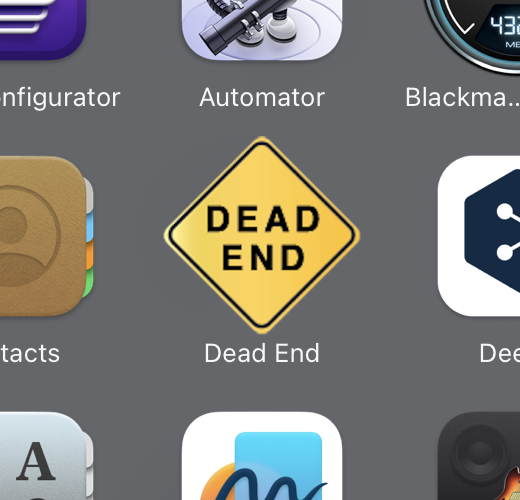
Among the resources provided to Apple Certified Trainers is an application named Dead End.
In a typical Apple Device Support training, the instructor covers many aspects of the macOS operating system with participants. Topics include installing the operating system, using Recovery Partition, working with the command line, using Time Machine for backups, managing internal and external disks, installing applications, and many more.
During the training, every aspect of the operating system is covered, including a topic on how a user should close an application when it crashes. In this section, the user learns to use the Force Quit command and the Activity Monitor application.
The problem is that you cannot observe how the operating system behaves when an application crashes using your properly functioning applications. To experience this, you need an application whose sole purpose is to crash. This is exactly where Dead End enters the stage. Dead End is an application created by Apple whose only job is to crash. It is provided to Apple Certified Trainers so they can demonstrate the relevant section during training.
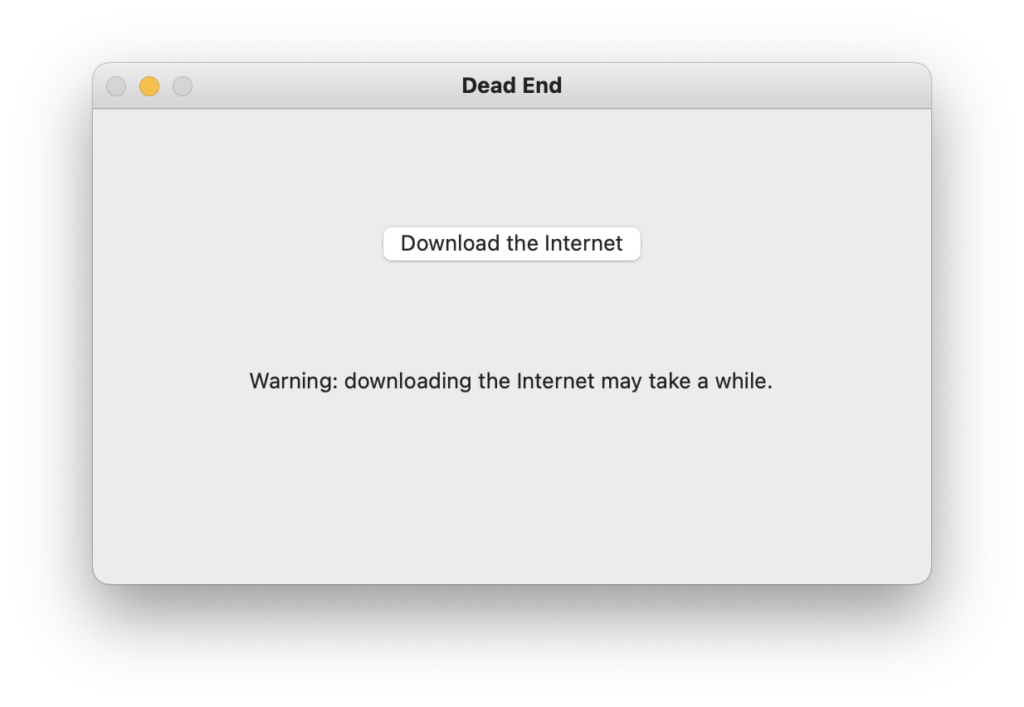
When you open Dead End, a small alert window appears with a button that says “Download the Internet”. The moment you click the button to download the entire internet, the application crashes and the cursor immediately turns into the spinning colorful beach ball.
After seeing the beach ball, when you use the Force Quit command (Command + Option + Esc) to terminate the application, you can see that Dead End is listed as Not Responding in the Force Quit Applications window.
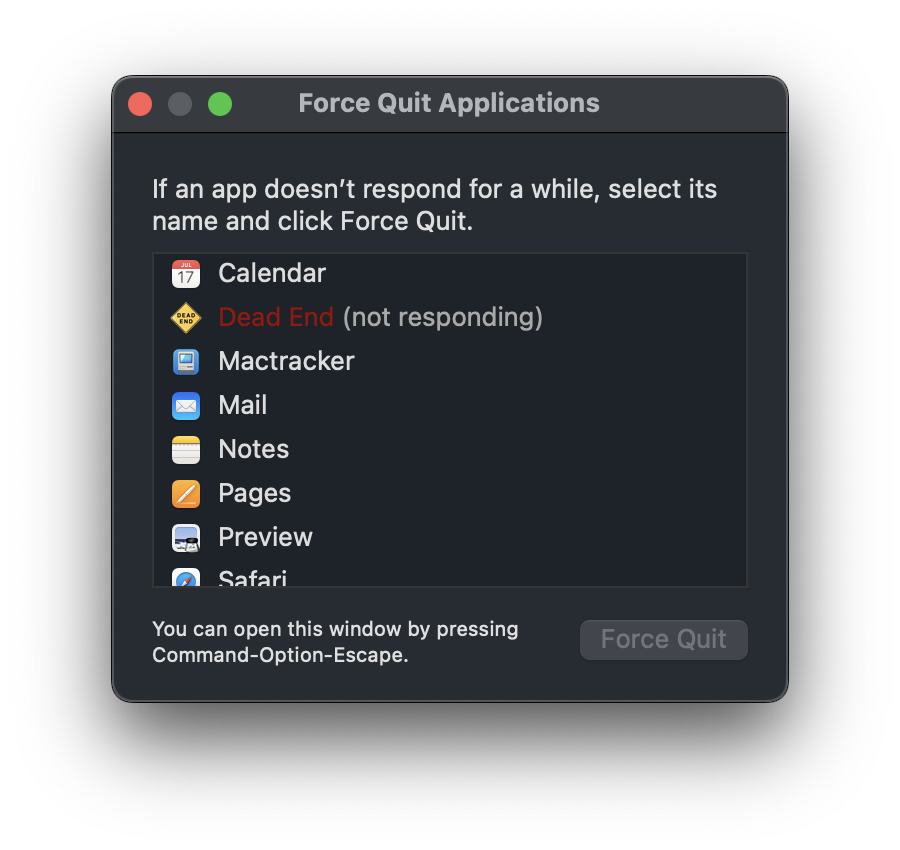
This way, you get to experience firsthand how the operating system reacts when an application crashes and what you can do to close it.
Where can I download Dead End?
You can’t. It is only available among the Apple Certified Training materials.
Photo by Randy Laybourne on Unsplash
Leave a Reply