
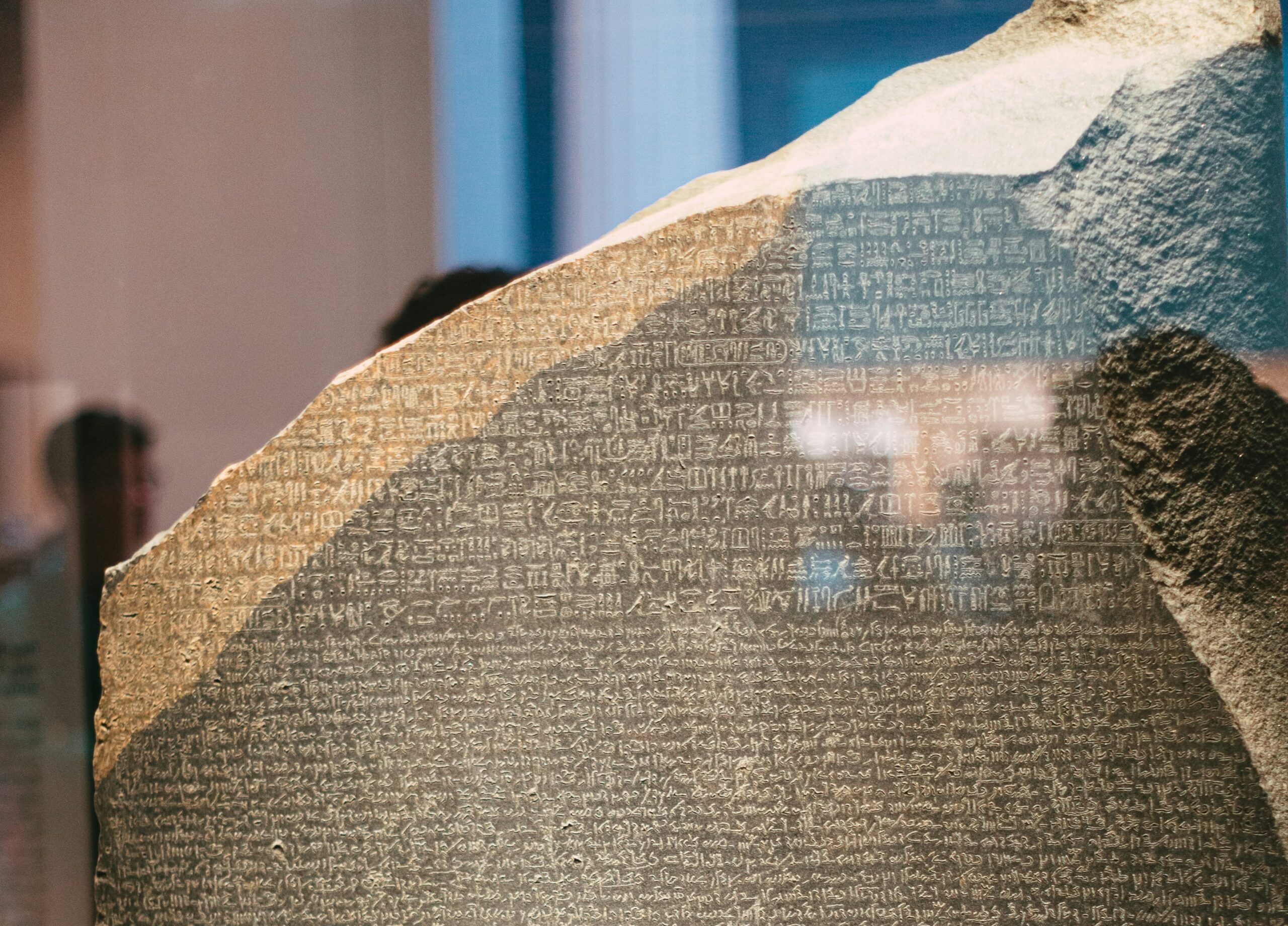
Had you heard of the Rosetta Stone? This massive stone block located in the British Museum in London holds a very important place for linguistics studies. Because the same text is written on it in the Egyptian hieroglyphic, Egyptian demotic, and Ancient Greek languages. Experts were able to discover the mysteries of the Egyptian hieroglyphic alphabet thanks to this stone.
In terms of Apple history too, we had first heard the word Rosetta in 2006 during the transition from PowerPC processors to Intel processors. This invisible translator enabled us to use applications developed for the PowerPC architecture on our Intel-processor Macs. Rosetta came back onto our agenda years later. This time it enables us to run applications written for the Intel architecture on our Apple Silicon-processor Macs. We’ve written various articles about Rosetta on these pages before. For example, you can read our article Is the Intel era over?. For this reason, we didn’t give the details regarding what Rosetta is and how to install it in the article you’re currently reading.
What Changed in Golden Gate?
macOS 26, that is, Tahoe, was the last operating system that Intel-processor Macs can install. Systems that will be released in macOS 27 and later will only run on devices that have an Apple Silicon chip. In this context, Apple also announced that it will gradually cut Rosetta support. macOS 27 Golden Gate will continue to support Intel applications via Rosetta. But with macOS 28, this support will be lowered to only the level of games.
Apple, which announced that it would support Rosetta in macOS 27, made an unexpected change and removed the Rosetta installed on devices upgraded to Golden Gate. If you still have applications running on the Intel architecture, you’ll need to reinstall Rosetta for macOS 27.
Instead of checking one by one which architecture the applications you currently use are in, to find out in bulk you can use the Applications section of the System Information application located in the Macintosh HD/Applications/Utilities folder. Here, in the Kind column, whether the application is Apple Silicon, Universal, or Intel is listed.
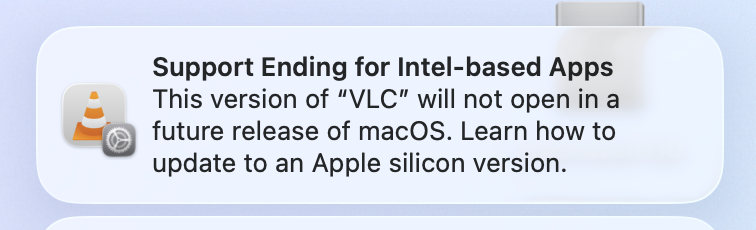
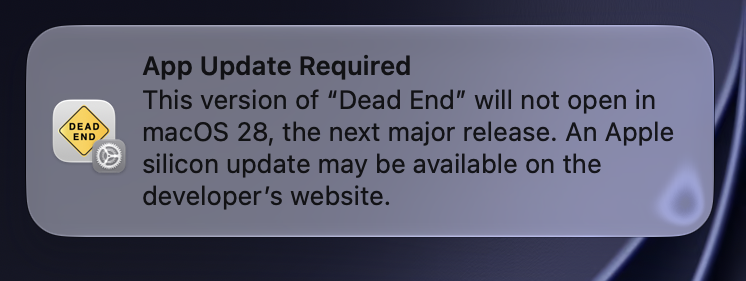
And if you have previously sent Rosetta to end users via your MDM server using the softwareupdate command as a one-time command or as a script, you’ll need to do this distribution again. Because Rosetta is not present in the macOS 27 Golden Gate installation.
If you don’t send this command again, when a user wants to open an application developed for the Intel architecture, they will be asked whether they want to install Rosetta.
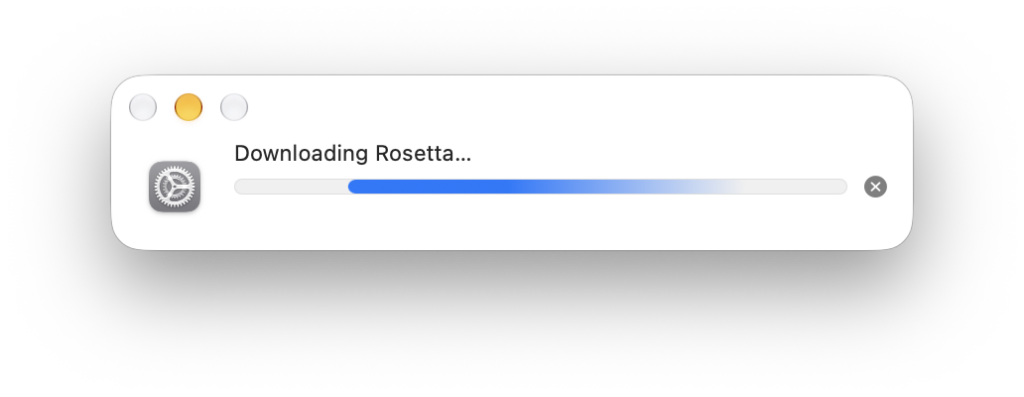
Photo by https://unsplash.com/@mrsunflower94
Leave a Reply