



What do you do with your old computers? Over the years, I have repurposed the computers I’ve used in different ways. If the computer could still run current operating systems and software, I mostly sold it second-hand. If I saw that the second-hand sale value was below the computer’s utility value, I gifted it to a relative or someone in need.
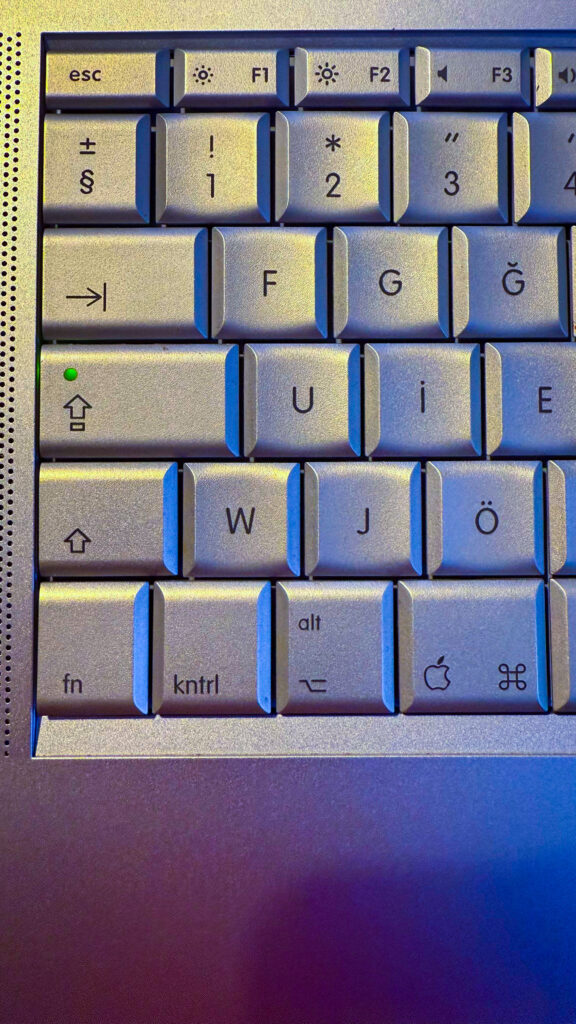
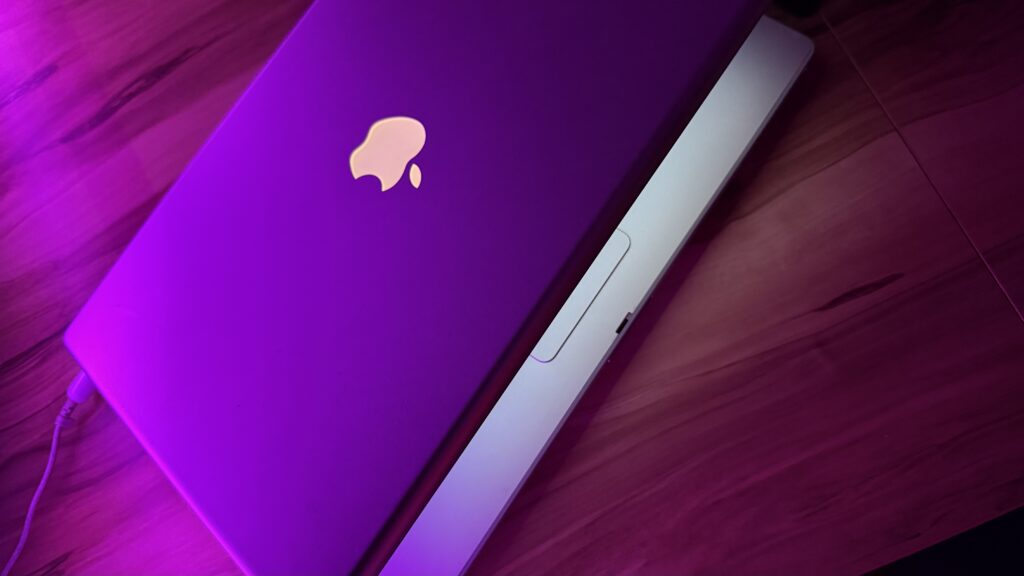
From the years when I bought my first computer to today, there has been only one computer that I have continued to hold on to — the PowerBook G4 I purchased in 2004. I actively used this computer between 2004 and 2010. I wrote all of my books published by various publishers on this computer (which has by far the most comfortable keyboard Apple has ever made).
In 2010, I had a separate MacBook Pro that I used for work. And I had started to think that the time had come to replace the PowerBook, which had been positioned as my home computer. Back then, I was torn between buying one of the Intel Macs and getting one of the newly released iPads. I chose the iPad. After that period, the PowerBook G4 gradually became a device I used less and less.
Over the years, as my PowerBook G4 evolved from being a usable computer to slowly progressing toward antique status, the idea of throwing it a birthday celebration also began to form in my mind. I may have jokingly told my friends, “I’ll throw a birthday party for it when it turns 20.” We unintentionally missed its 20th birthday. But on its 21st birthday, we held a small celebration at the Istanbul Kanyon Mall store of Artı Bilgisayar / Troy, where I originally purchased it. Friends of mine, participants from the Elmakurdu Apple user group, and various attendees from Artı Bilgisayar graced the celebration — many thanks to them.


Why 21 and Not 20?
A logical question. The computer’s model dates to 2004. However, I remember purchasing it not immediately upon release but some time later. For this reason, the date I had in mind for the 20th birthday was the year 2025 from the very beginning. To find the exact purchase date, I searched through old documents at home looking for the receipt but could not find it. I consulted Artı Bilgisayar, but while invoices for various accessories I purchased from them in 2005 were visible, the PowerBook’s invoice was not. Because their records did not go back before 2005 either. When I shared the serial number with Apple’s call center in Ireland, we were able to find the purchase date: June 16, 2004. Therefore, we based the birthday on the date provided by Apple.
Let’s Talk a Bit About the PowerBook
In 2020, Apple began using its own ARM-based processors under the umbrella name Apple Silicon. The processors you know by names such as M1, M2, M3, and M4 can be considered the computer versions of the A-series processors that Apple has been developing for iPhone and iPad.
Before 2020, Apple used Intel processors in its computers. You may encounter Core Duo, Core 2 Duo, i3, i5, i7, i9, and Xeon series processors in various Apple hardware. As a consequence of the x86 processor architecture, the Windows operating system unfortunately also found its way onto our beautiful Macs.
Before Intel, Apple used desktop versions of RISC-based POWER processors — a product of the consortium known as AIM (Apple-IBM-Motorola) — which IBM used as server processors. We used different versions of these processors, known as the PowerPC processor family, over the years. The 32-bit PowerPC G4 processor in the PowerBook was a member of the PowerPC 74xx family.
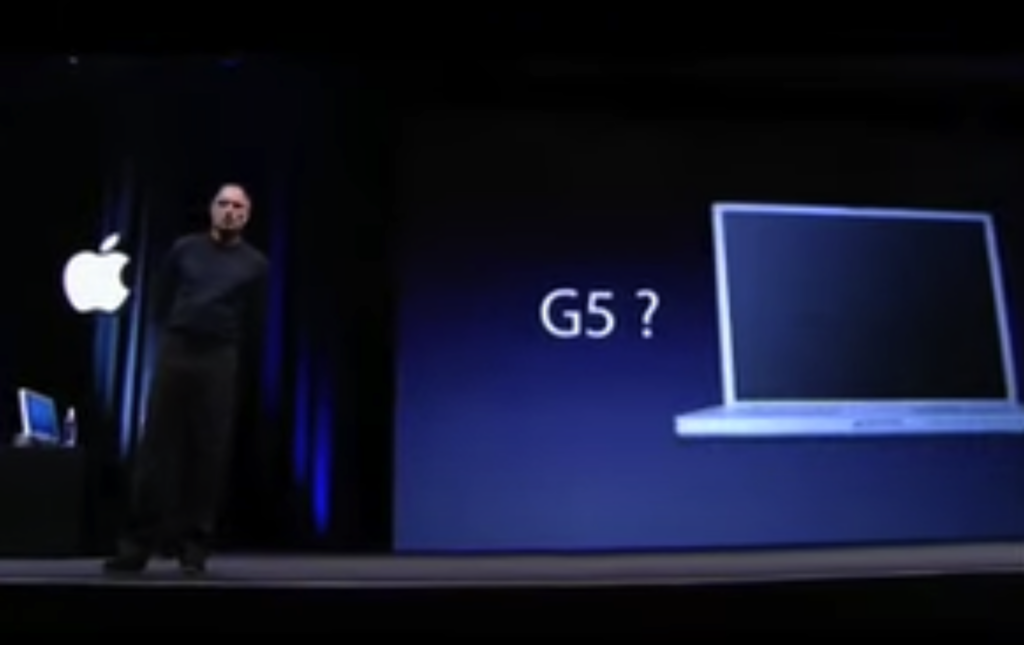
Apple also used the PowerPC 970 family under the name PowerPC G5 in its desktop computers. But the G5 processors could never make it into Apple’s portable computers due to the excessive heat they generated. In fact, Steve Jobs, in his WWDC keynote in 2005 announcing the transition to Intel, cited the inability to bring the G5 to PowerBooks as one of the reasons when answering the question “Why.”
Setting aside the processors they used, the PowerBooks of that era represented high-end portable computers, much like today’s MacBook Pros. iBooks were entry-level, and PowerBooks were high-end Apple portables of that era. This computer had some hardware features that we are also accustomed to seeing in today’s MacBook Pros. There were hardware components such as a backlit keyboard, ambient light sensors that measure the environment’s brightness level, and battery charge indicators. The power cable connection was not magnetic like today’s, but there was a Sudden Motion Sensor that automatically stopped the disk from spinning if the computer were to suddenly fall to the ground for any reason. Yes, of course, computers of that era did not have SSDs. That’s why the Sudden Motion Sensor was important.
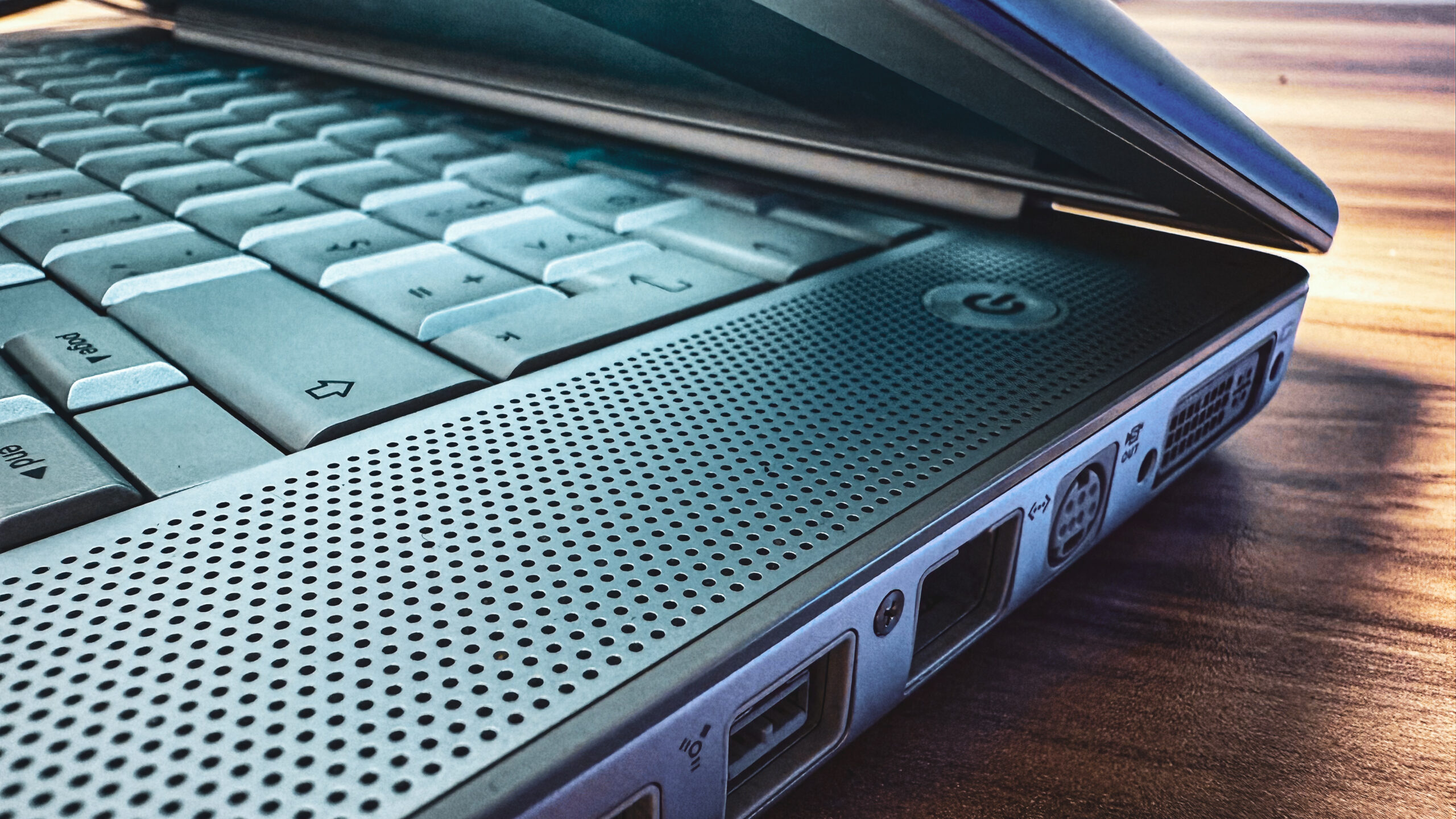
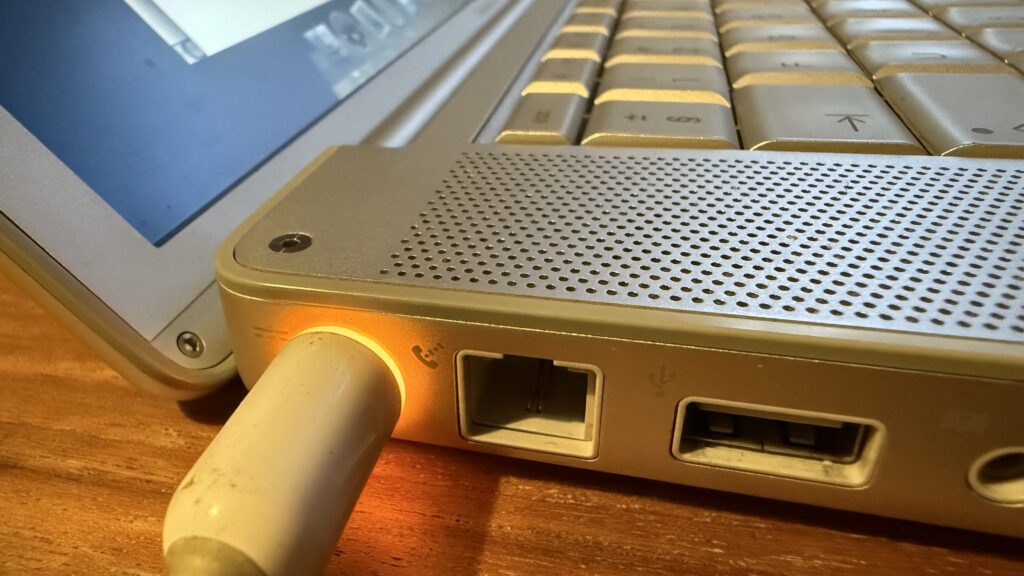
Every type of connection that we make entirely through adapters these days was directly built into the device. USB-A, Firewire 400, Firewire 800, Gigabit Ethernet, 56K Modem, PCMCIA, S-Video, DVI, Audio in, Audio out, Bluetooth… In addition to these, there was also a SuperDrive that could write CDs and DVDs. I got tired just writing all that.
Final Words
I purchased this computer in 2004 for 4,000,000,000 TL (4 billion Turkish Lira). I asked ChatGPT to calculate today’s price adjusted for inflation. It came up with approximately 120,000 TL — which corresponds to a high-end MacBook Pro or a gaming PC today.
I last used this PowerBook for actual work in 2017. Back then, I had a disk problem on the computer I was using and the PowerBook came to my rescue. I still use it occasionally when I need to read a CD or DVD.
Nowadays, no internet-related tasks can be performed on it anymore. Today’s websites are not supported by the web browsers of that era. But aside from the internet, it can still be used with its installed software at the performance level of those days. That is, if you can tolerate the heat it generates…
Thank you, PowerBook, for putting up with me for 21 years.

Leave a Reply