
As an organization, how do you make your IT purchases? On average, how much time does a piece of hardware that enters the company inventory spend within the company before it’s retired? Among all your IT investments, which year’s technology are the oldest pieces of hardware using? You make computer, software, and operating system updates, but what about, for example, Access Points, printers, NAS storage units, and other network devices?..
We know this: generally, operating systems are updated the fastest. Licensed software and computers/tablets/phones follow it. As we move toward the lower parts of the pyramid, we see that the renewal cycle of many network devices approaches 10 years.
Let this introduction stop here; let me continue the subject with a different example. Apple released macOS Golden Gate in September 2026. This version will be the first version that Intel-processor Macs cannot install. That is, Apple had been maintaining its support until now for a platform it abandoned 6 years ago. It does a similar behavior for the SMB 1.0 protocol, the subject of this article. Knowing that organizations act slowly on updating some hardware components, it continues to keep its support for them within the operating system.
By default, macOS gives priority to SMB 2 and SMB 3 with port 445 when trying to access external resources. But if it can’t reach the relevant resource via these protocols, it starts using port 139 and the SMB 1 and NETBIOS protocols as failover. If it doesn’t comply with your organization’s security policies, you can disable macOS‘s SMB 1 and NETBIOS accesses.
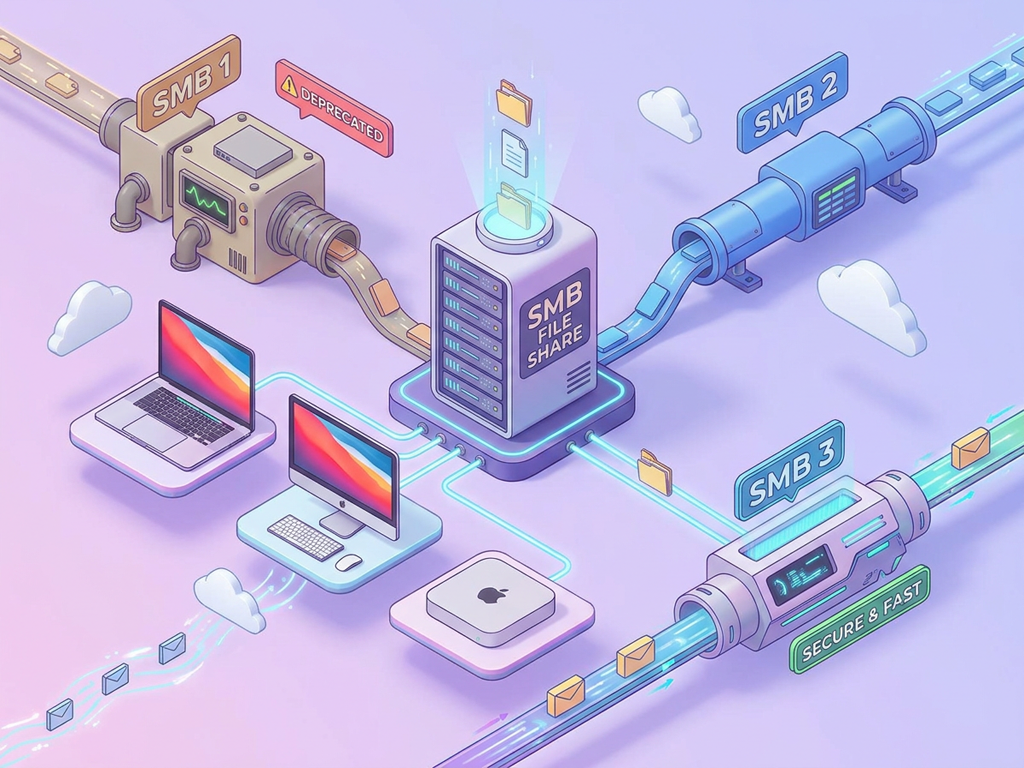
Disabling Outbound Access
Disabling SMB 1 access can be done by adding a line to the nsmb.conf file located in the /etc folder. But on our computers, there’s no file named nsmb.conf in the /etc folder as standard. Therefore, it’s necessary to first create this file, then add two lines. If you want to both create the file and disable SMB 1 and NETBIOS access, you can paste the following code into Terminal. This command disables the feature of a Mac device being able to connect to remote network devices via SMB 1 and NETBIOS.
printf "[default]\nprotocol_vers_map=6\nport445=no_netbios\n" | sudo tee /etc/nsmb.confAs a result of this, you’ll get a response like the following.
[default]
protocol_vers_map=6
port445=no_netbios
Disabling Inbound Access
When you do a new Mac setup, the File Sharing feature comes in the off position as standard. If you want other users to be able to connect to your computer, you need to go to the System Settings / General / Sharing section and turn on the File Sharing feature. After File Sharing is turned on, to reject SMB 1 connection requests, you can again use the following command from Terminal. This command will disable SMB 1 while keeping SMB 2 and SMB 3 on.
sudo scutil --prefs com.apple.smb.server.plist <<EOF
get /
d.add ProtocolVersionMap # 6
set /
commit
apply
quit
EOFUsing the following command, you can get confirmation that the SMB 1 connection has been disabled. As a result, a 6 should be coming.
sudo defaults read /Library/Preferences/SystemConfiguration/com.apple.smb.server ProtocolVersionMapFinally, since the commands I wrote here contain the sudo command, they will naturally require Admin privileges.
Leave a Reply