

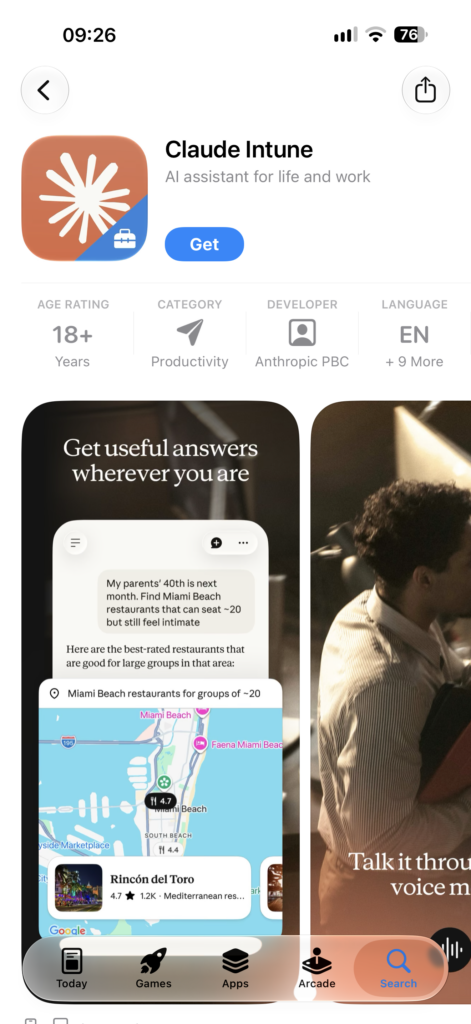
Close followers of these pages will remember. We recently published an article about the corporate version of ChatGPT released by OpenAI. Now Anthropic has also jumped on that train and released a corporate version of Claude on the App Store. This new application, usable for iOS and iPadOS, targets corporate use and schools. You cannot log into the Claude for Intune application with Claude account information you purchased personally. Your organization needs to be using the Claude Enterprise Plan. Login can be done with accounts defined in Microsoft Entra ID and using the Microsoft Authenticator application.

But Why?
There’s a single answer to this question: AI Governance. Organizations want to control the way their employees (or, for schools, their students) are using AI tools. Otherwise, with an unsupervised AI tool, corporate secrets can be disclosed — even if accidentally — and information about products in the development stage can leak outside.
One of the innovations announced at WWDC 2026 was that subscription purchases can now be within the scope of VPP. Organizations that want their employees to work with Claude will be able to purchase Claude subscriptions centrally on behalf of the whole organization. But along with this, they’ll also be in a state where they can’t do control of what can be done with that application by users.
In a supervised environment, users can work within Claude with projects created specifically for the organization, and administrators can manage users with different roles. You can find information on what you can do with the Claude Enterprise Plan in this article.
Organizations that prefer to use Claude as their AI solution and also use Microsoft Intune as their MDM solution should distribute the Claude for Intune application instead of the Claude version developed for end users.
How Is It Distributed?
You can purchase Claude for Intune as a VPP application from Apple Business and distribute it with Intune. Or you can tell your users to download it themselves via the iOS App Store. Anthropic has prepared a guide on how the application is distributed. You can find it at this address.
As an Enterprise application, Claude for Intune needs to be approved by the Entra admin user. Afterwards, you can distribute it to user devices using your standard distribution methods.
The only point to pay attention to here is this: along with the application itself, you should also determine the application’s permissions with an App Protection Policy and send it to users.
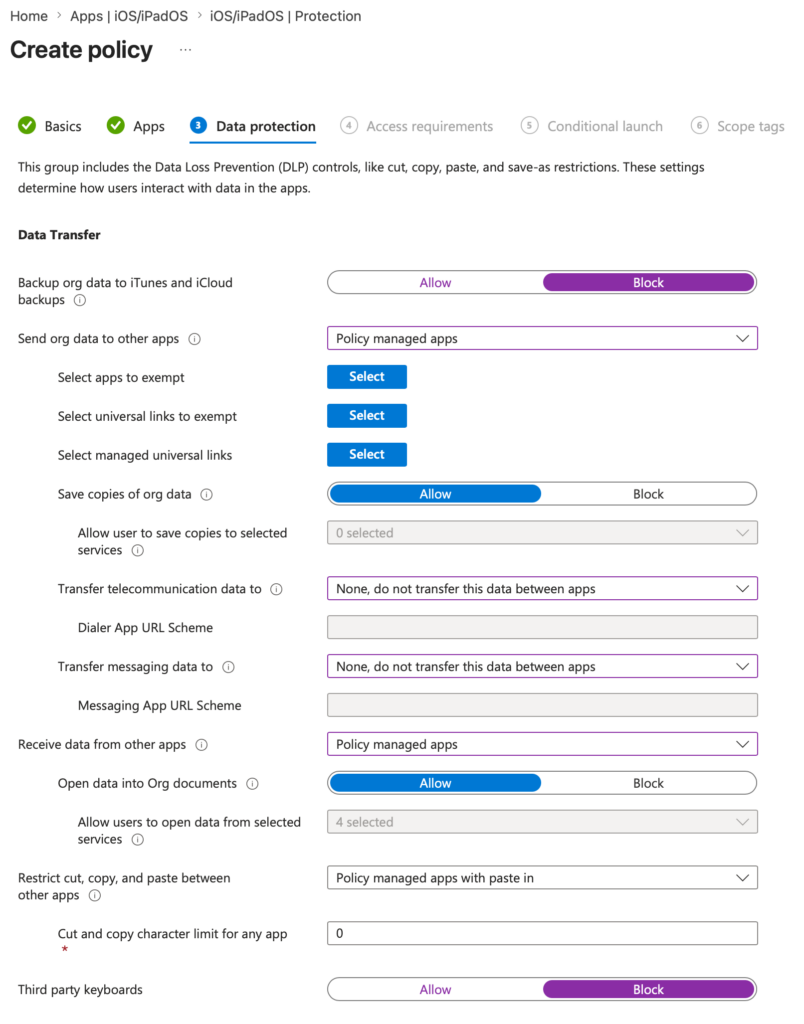
In the search you’ll do while determining the App Protection Policy, the Claude for Intune option already comes up in front of you. But if for any reason it doesn’t come up, you can determine your policy by also using the com.anthropic.claudeforintune Bundle ID.
Leave a Reply