
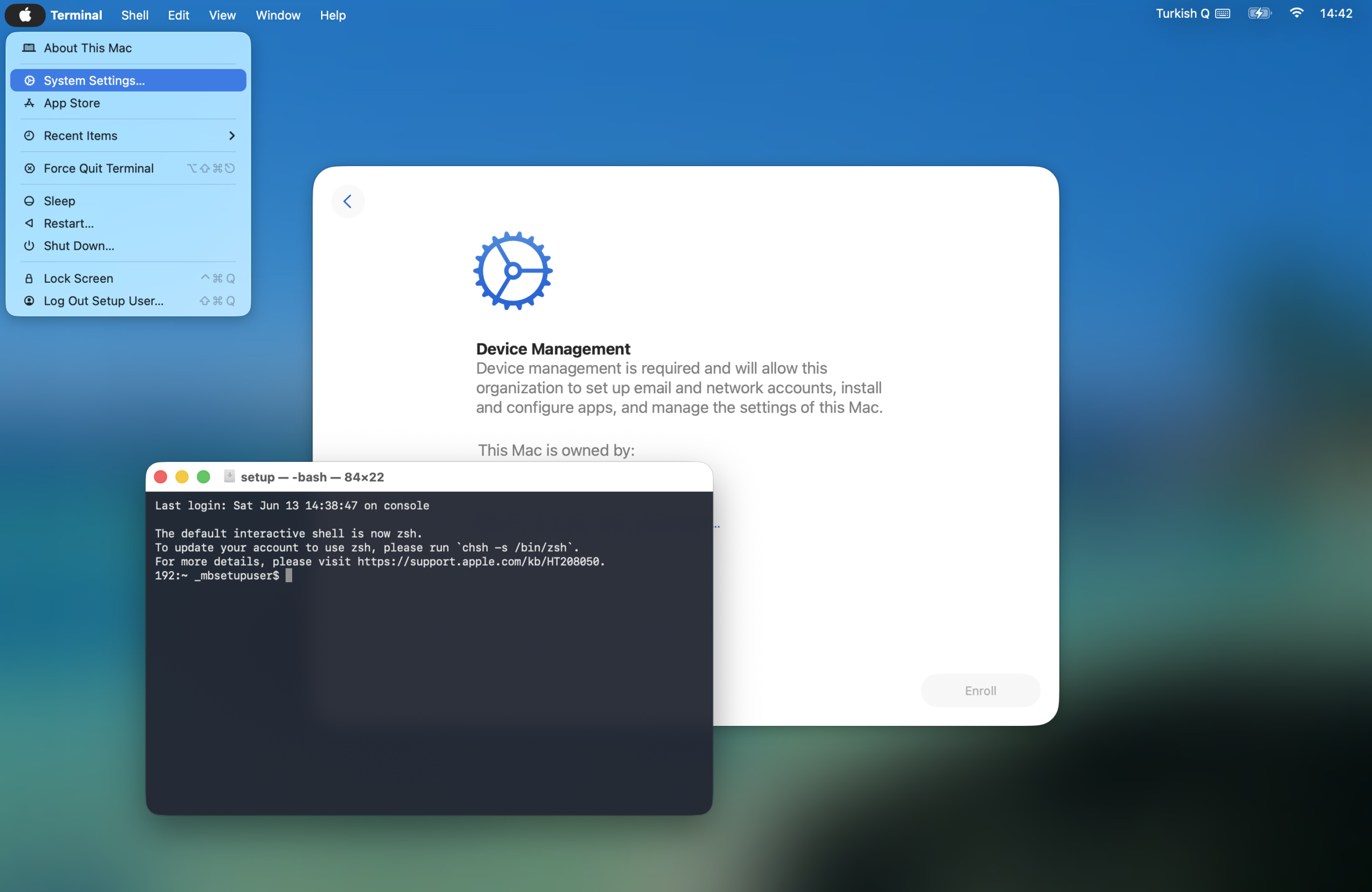
This will be a short article. But I’m sure many Apple system administrators haven’t tried before the technique I’ll describe here. When a Mac is being set up for the first time, that is, while proceeding through the Setup Assistant steps, if for any reason you need to open Terminal or the System Settings application, you can do this with a simple key combination.
Let me first give this key combination, then let’s talk about it afterward: Command + Option + Control + T
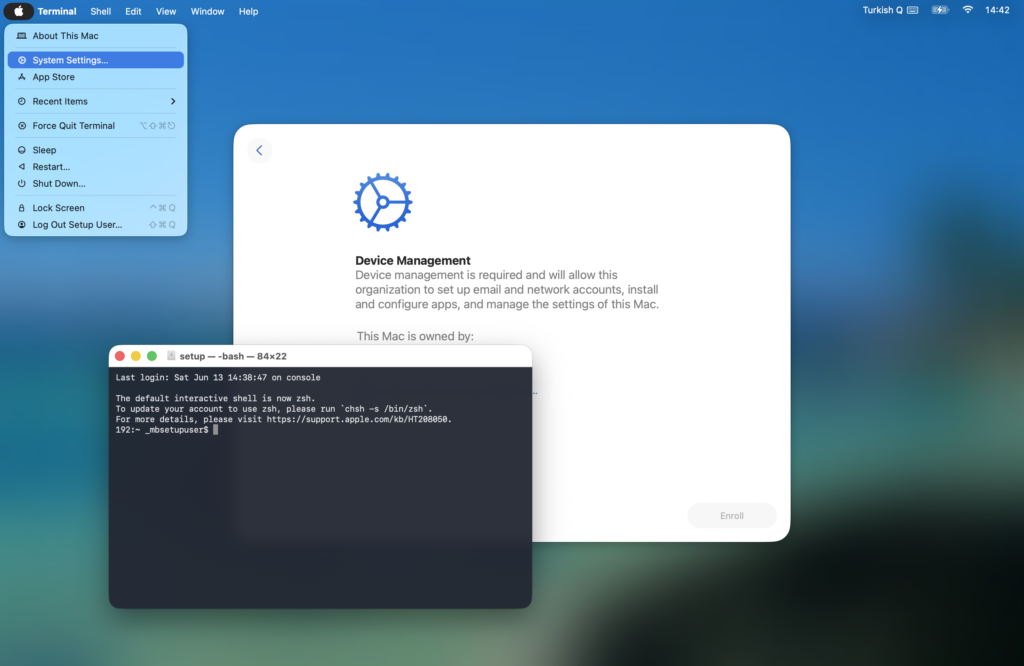
This command is actually the shortcut for opening Terminal. Along with Terminal, the menu bar also opens. And you, taking advantage of the opportunity, can also access the System Settings application from the menu. We think that Setup Assistant doesn’t allow multitasking and will work like a single application. But actually it’s not exactly like that. If you look at the screenshots above or below, you can see that the Automated Device Enrollment registration screen is working side by side with Terminal and System Settings. This usage isn’t valid only for devices listed in Apple Business and managed with an MDM; you can also try it while setting up any end-user computer.
Why might you want to do this? Various reasons can be counted.
- While Setup Assistant is ongoing, you might want to see the log stream via Terminal (like the Verbose mode in old macOS versions). By the way, if you want to see the log records, you can also open the Console application using the Command + Option + Control + C key combination.
- You might want to intervene in the DNS or TCP/IP settings so that the setup can be completed without problems.
- During setup, you might want to turn on Screen Sharing from the System Settings > General > Sharing section so that another Mac can connect to this device.
- You might want to make a change in the country, language, or keyboard layout settings you specified at the very beginning.
…Even more reasons can surely be counted. These are the ones that first come to my mind.
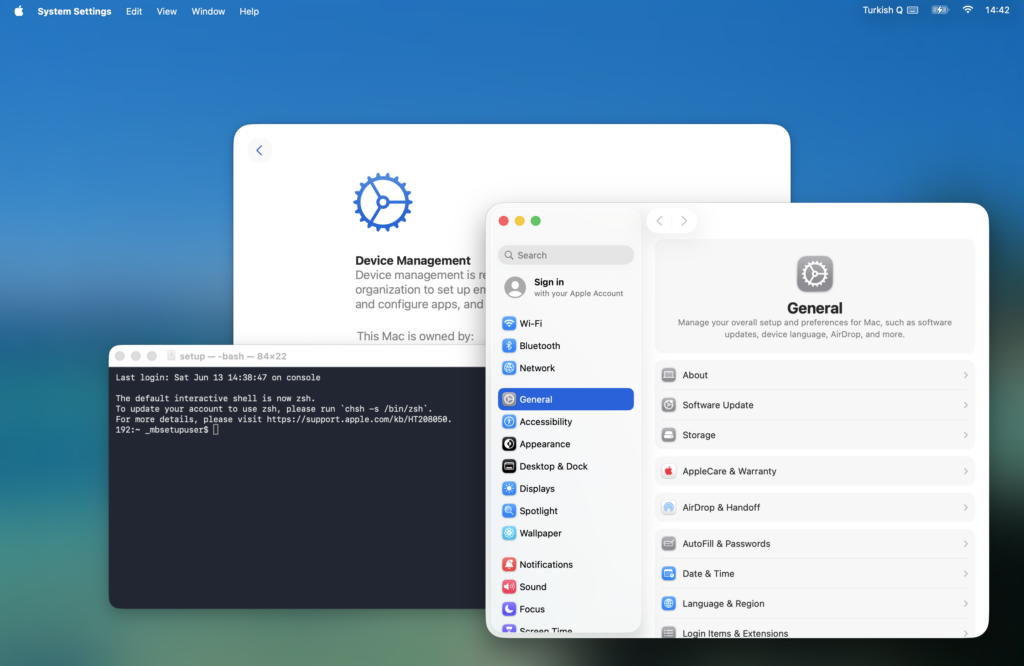
One last small note; while the Setup Assistant operations are ongoing, a real user hasn’t been created yet. The operations are carried out by a system user named _mbsetupuser. You can see this user’s name from the Terminal screen that opens.
Leave a Reply