
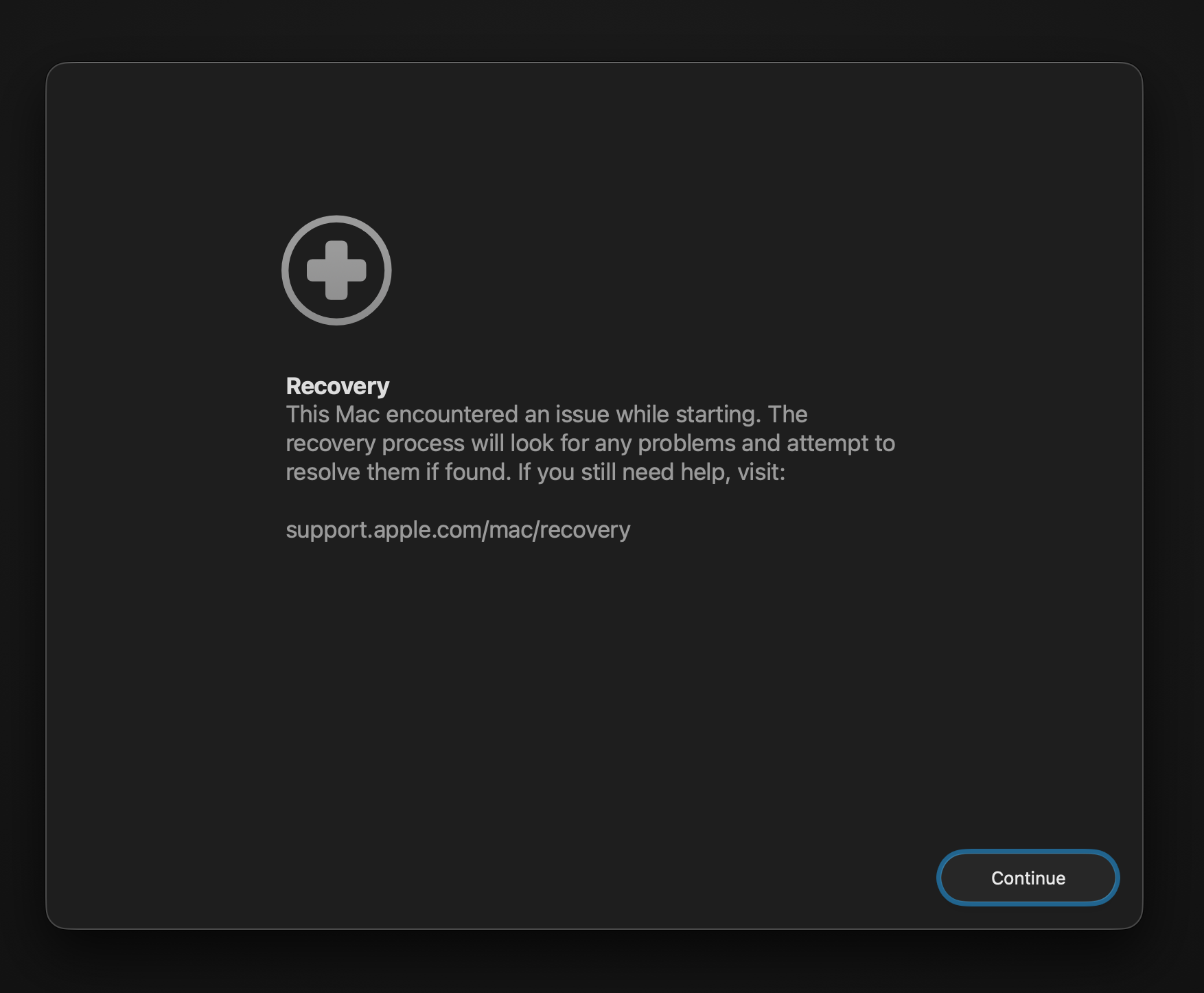
With macOS 26 (Tahoe), a new tool has been added to the macOS Recovery environment: Recovery Assistant. This new tool can be found in the Utilities menu when you start your computer from the macOS Recovery partition. Recovery Assistant is a tool that will function as a recovery assistant that automatically kicks in when the system cannot start up properly. Apple also published an article on this subject. You can reach the relevant article at this address.
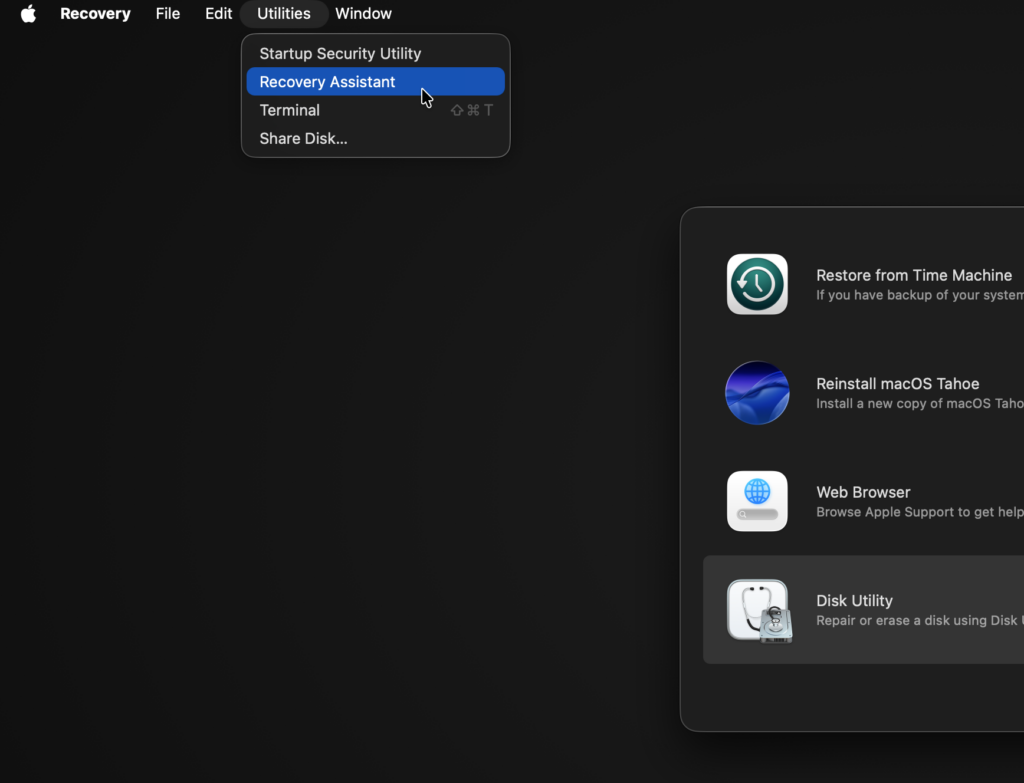
As I mentioned in the lines above, Recovery Assistant is a tool designed to open automatically in the event of any problem experienced during the computer’s startup and to automatically fix the problems it can fix. Therefore, you don’t need to specifically open this tool from macOS Recovery and have it run a scan. If your computer can start up properly, the version you open via macOS Recovery will not find any result either. But if you still want to experience it, you can reach it via the Utilities > Recovery Assistant menu.


If Recovery Assistant catches a problem it can solve on its own, it solves it by itself. However, in situations that exceed its own limits, it directs you to additional options such as reinstalling macOS.
As a final note, Recovery Assistant needs an active internet connection in order to work. And this internet connection needs to be, as much as possible, a home-type connection. It does not work on networks that require a Captive Portal or 802.1x Authentication.
Leave a Reply